
This site has been designed so that it is easy to navigate.
The opening page is shown below.
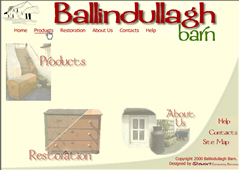
It contains one permanent navigation menu at the top which allows you direct access to all parts of the site.
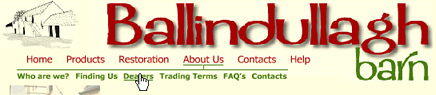
Moving your mouse over any of the main menu items (in red) will highlight them and allow you to go to that part of the site if you click on them.
There is also a submenu which is green, for 'About Us' and 'Help'. These will appear when you move the mouse over the relevant main menu item.
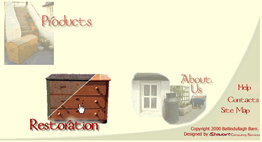
The main part of the window contains three pictres which you can also use to navigate to main areas of the site. See what happens when you move the mouse over each of the pictures?
I'm sure that you can see and try out all the other buttons on the page.
On other pages you will also see a navigation bar on the left hand side of the page, as in the 'Restoration' section shown here.
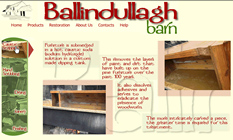
You can use this navigation bar by clicking on the item to which you would like to go. Its as simple as that.
If you have any problems with parts of the site working please contact the Webmaster, and we'll do our best to sort out the problem.
 |
|
 |
|
 |
|
 |
|
 |
|
 |
|
 |
|